
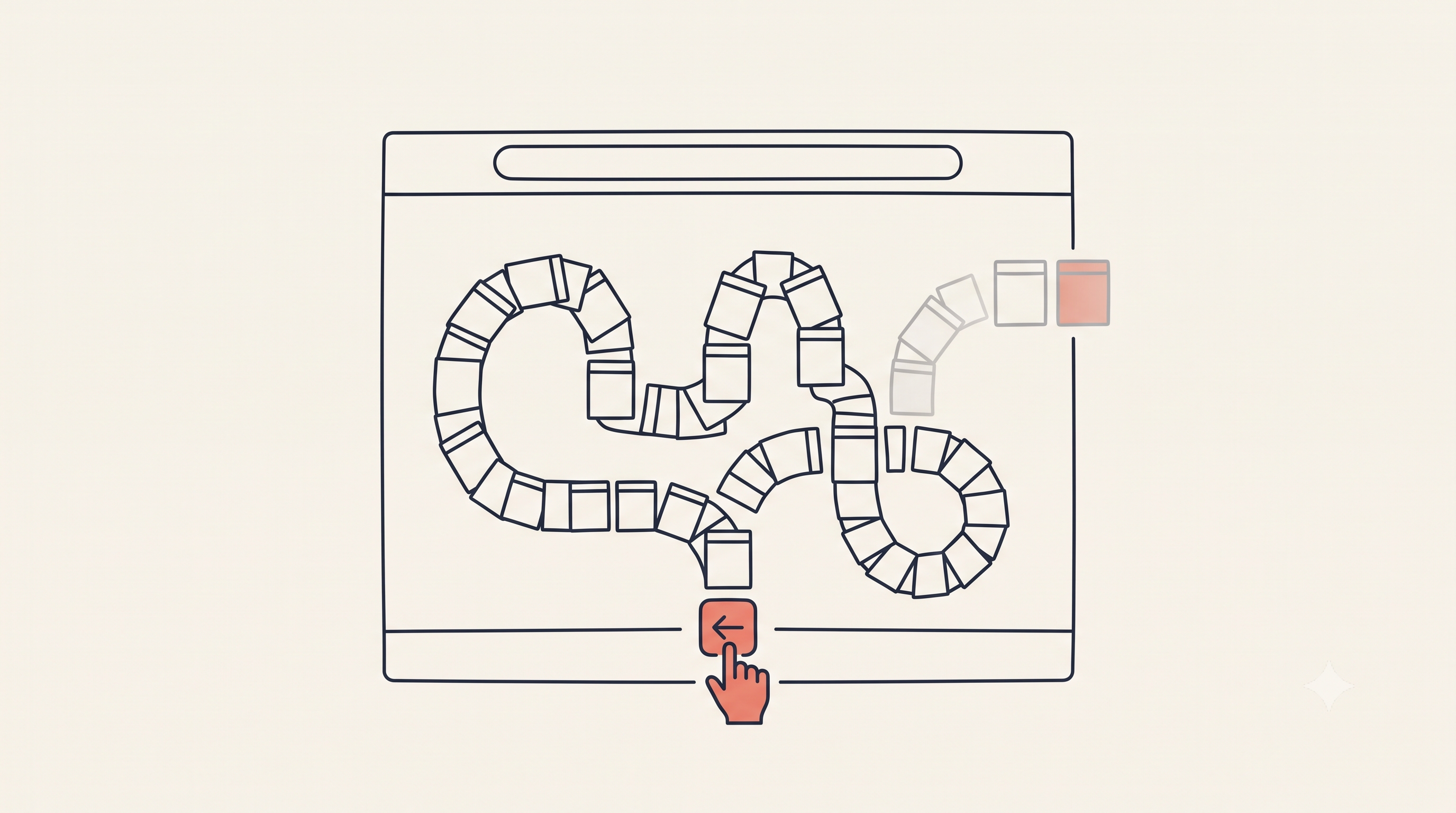
Back-Button Hijacking Audit
Back-Button Hijacking Audit for Django & No-Code Sites
Google's back-button hijacking penalty hits indie stacks too. A 10-minute grep + console audit for Django, HTMX, and no-code builders.
Key takeaways
- Google introduced a new spam policy classifying back button hijacking as a 'malicious practice' enforceable from June 15, 2026.
- Site owners are liable even if the offending code originates from third-party libraries, ad platforms, or widgets.
- For codebases, a simple grep search across JS files and templates for pushState, replaceState, and popstate listeners can identify culprits.
- For no-code builders, a console-patch script can intercept History API calls and trace them back to the exact script and line number.
- AdSense Auto ads, content recommendation widgets, and HTMX/Alpine.js setups are common vectors that need verification.
Quick recap: what Google actually changed
Google's Search Central team added a new spam policy classifying back button hijacking as a "malicious practice" violation, giving site owners a two-month runway before enforcement begins on June 15, 2026. The behavior itself isn't new - sites have quietly stuffed the browser's history stack for years to squeeze out extra pageviews. What's new is that it's now explicitly enforceable, sitting in the same policy bucket as malware and unwanted software.
The part that should worry indie builders more than agencies: Google has stated that site owners are liable even when the offending code originates from a third-party library or advertising platform, not just from their own code. You don't get to shrug and blame the vendor. If it runs on your domain, it's your problem to find and fix.
There's also a quieter side effect worth knowing about if you're building any FAQ section for this topic (or any topic): Google stopped showing FAQ rich results in search as of May 7, 2026, and is removing the related Search Console reporting and API support over the following months. The dropdown snippet is gone, but the content format itself still works for how AI search engines like Gemini and Perplexity pull from clean Q&A content - which is exactly why I've kept a direct-answer FAQ block further down instead of dropping it.
Why the existing advice doesn't map to your stack
Every audit checklist I found assumes one of two things: you're running WordPress with a plugin directory to click through, or you're a publisher big enough to have a tag manager full of named vendors. Neither applies if you're:
- Rendering templates server-side in Django, Flask, or Rails, hand-writing your own JS instead of installing a plugin
- Running HTMX or Alpine.js for partial-page interactivity, where pushState-like behavior is sometimes intentional and legitimate
- Publishing through Wagtail or a custom Django CMS where a content editor can paste a widget embed code straight into a rich-text field
- Building on a no-code tool like Webflow, Carrd, or Framer, where you don't have a codebase to grep at all - just an exported page and a handful of embedded widgets
"Deactivate plugins one by one" is useless advice when there's no plugin list. You need a different playbook. Here's mine.
Part 1: The grep audit (for anyone with a codebase)
If you own your templates and static files - Django, Flask, Rails, plain HTML - this takes about ten minutes. Run it from your project root.
Step 1 - Find every direct call to the History API in your own code
grep -rn "pushState\|replaceState" --include=\*.js --include=\*.html templates/ static/ src/If you're on Django, check static/, templates/ blocks with inline script tags, and vendored files under staticfiles/ after collectstatic has run.
Step 2 - Find popstate listeners that redirect instead of just reacting
grep -rn "addEventListener(['\"]popstate" static/ templates/ src/A legitimate listener updates UI to match URL. A hijacking one redirects or calls window.location.href.
Step 3 - Check every third-party script tag you've pasted in
grep -rln "<script" templates/ | xargs grep -l "src="Check the domains against ad networks, content widgets, and engagement tools.
Step 4 - Search vendored and bundled JS
grep -rln "pushState\|replaceState" static/vendor/ static/lib/ node_modules/.cache/ 2>/dev/nullThe offending call often lives inside someone else's minified file.
Part 2: The console-patch audit (for no-code builders)
If you're on Webflow, Carrd, Framer, Instapage, or any platform where you don't have raw file access, grep is out. But you can still catch the culprit.
Open your published site, open DevTools (F12), go to the Console tab, and paste a patching script to intercept history.pushState and history.replaceState before you interact with the page.
(function () {
  const origPush = history.pushState;
  const origReplace = history.replaceState;

  history.pushState = function (...args) {
    console.log('%cpushState called', 'color:red;font-weight:bold', args);
    console.trace();
    return origPush.apply(this, args);
  };

  history.replaceState = function (...args) {
    console.log('%creplaceState called', 'color:orange;font-weight:bold', args);
    console.trace();
    return origReplace.apply(this, args);
  };
})();
Every time either function fires, you'll get a labeled console entry with a full stack trace naming the exact script file and line number that triggered it, even if bundled or minified. If you see a call fire the instant the page loads, that's your red flag.
This trick works identically whether you're debugging a Django template or a Carrd embed. It's actually stack-agnostic.
The culprits nobody's actually named for this crowd
Generic checklists say "check your ad network." Here's the specific list I'd actually check:
- Monetization: Content recommendation widgets (Taboola/Outbrain), AdSense Eligibility Checker or Auto ads, and Web push notification SDKs.
- Modern Frameworks:
hx-push-urlin HTMX is legitimate but check it only fires on actual clicks. Alpine'sx-datapersistence plugins occasionally call replaceState. - CMS Environments: Rich-text editors (django-ckeditor, Wagtail StreamField) let writers paste raw embed codes into bodies.
- No-Code Builders: Multi-step form/quiz builders and page-transition libraries occasionally use replaceState to sync scroll position.
What a compliant fix actually looks like
Removing the History API entirely isn't the answer - it's core to how SPAs work. The line is intent:
- A
pushStatecall in response to a real click, tab switch, or step change: fine. - A
pushStatecall that fires automatically on page load: remove it. - A
popstatelistener that updates a URL or component state: fine. - A
popstatelistener that redirects the user somewhere else or cancels navigation: remove it.
If the culprit is a third-party embed, you have three options: pull the embed, ask the vendor for a compliant version, or replace it. There isn't a fourth option to keep it and hope Google doesn't notice.
What I found on my own stack
SEOWebGrow came back clean on the grep audit. But I did find one old analytics snippet I'd added months ago for a feature I never shipped, doing nothing harmful but doing nothing useful either. It's gone now.
If you're running a lean stack and you've never had an agency's technical SEO team look over your shoulder, this is exactly the kind of check worth doing yourself, on your own schedule, before Google does it for you.
Sources and references
These are the main primary sources behind the guidance and date-sensitive notes in this article.
Google's official policy explicitly banning deceptive redirect behaviors, which includes hijacking the back button.
Google's guidelines on page experience, which penalizes sites that trap users or provide poor navigational experiences.
Useful next steps on SEOWebGrow
Learn how AI search engines pull from clean Q&A content.
Learn the answer-first structure AI Overviews reward.
Verify your site's AdSense fundamentals.
Understand [how AI crawlers read your site](/blog/how-to-create-llms-txt).
Frequently asked questions
Does using HTMX's hx-push-url count as back button hijacking?
No, not on its own. It's the same category of use as an SPA router - legitimate as long as it reflects genuine navigation the user triggered, not automatic states injected to trap the back button.
I use Google Analytics and AdSense on a Django blog - am I at risk?
Standard GA4 and AdSense tags don't manipulate history by default. The risk sits in optional features layered on top - Auto ads, page-level optimization scripts, or any recommendation widget you've separately embedded.
I don't have access to my no-code platform's source code. How do I audit it?
Use a console-patch snippet to intercept history.pushState and history.replaceState. It works purely in the browser, catches calls from any script, and shows you the exact file responsible via the stack trace.
Will removing FAQ schema from my page hurt me now that Google dropped FAQ rich results?
No. FAQPage schema is still a valid structured data type, and Google continues to parse it. The dropdown snippet is gone, but the format helps AI answer engines extract information. That is the answer-first structure AI Overviews reward.
Can an automated demotion hit me even if I never got a manual action notice?
Yes. Manual actions and algorithmic demotions are separate mechanisms, and the demotion can land without a warning notice appearing in your Search Console account first.
About the author
Sandesh Kokad
Professional Software Engineer and Digital Marketing Specialist with 5 to 6 years of industry experience
Sandesh Kokad is a Full-Stack Software Engineer and the founder of SEOWebGrow. An ex-MIT student with deep expertise in Python, Django, and Cloud Architecture, he engineers data-driven infrastructure for modern search. As the architect behind SEOWebGrow, he actively builds the infrastructure that helps modern websites communicate seamlessly with AI search engines.